Plan meetings across time zones by looking at one clock
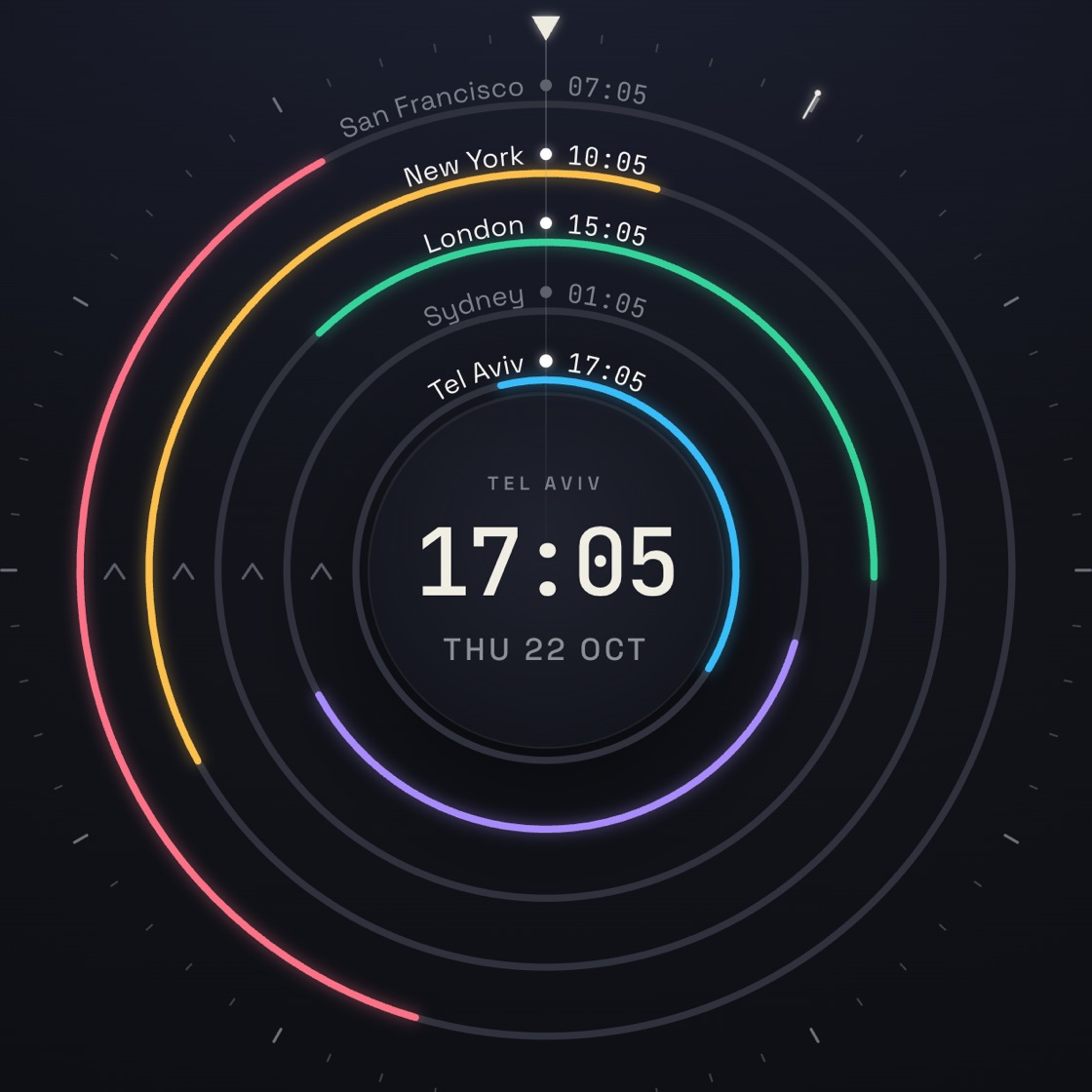
Overlap Clock puts your local time in the middle and every city you work with on a ring around it. Each ring is colored during that city's working hours. Where the colors line up, everyone is at work, and that's when to meet.
Open Overlap Clock Free. No account.
How to find a meeting time
-
Add the cities
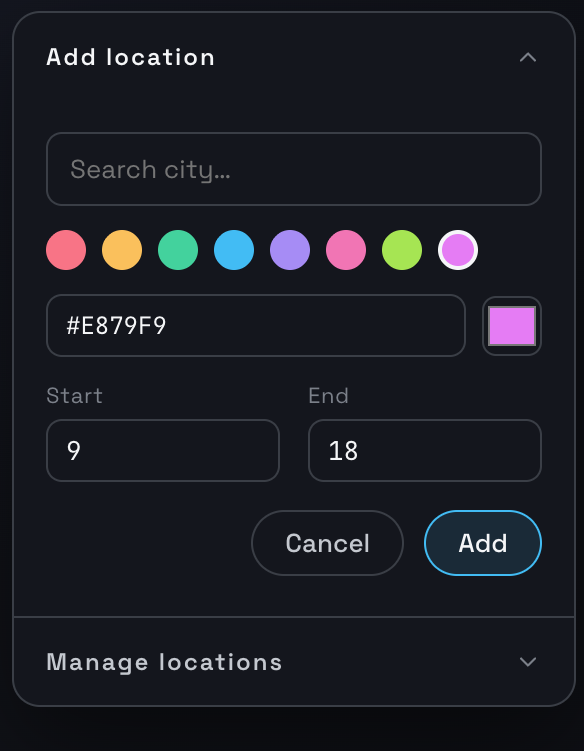
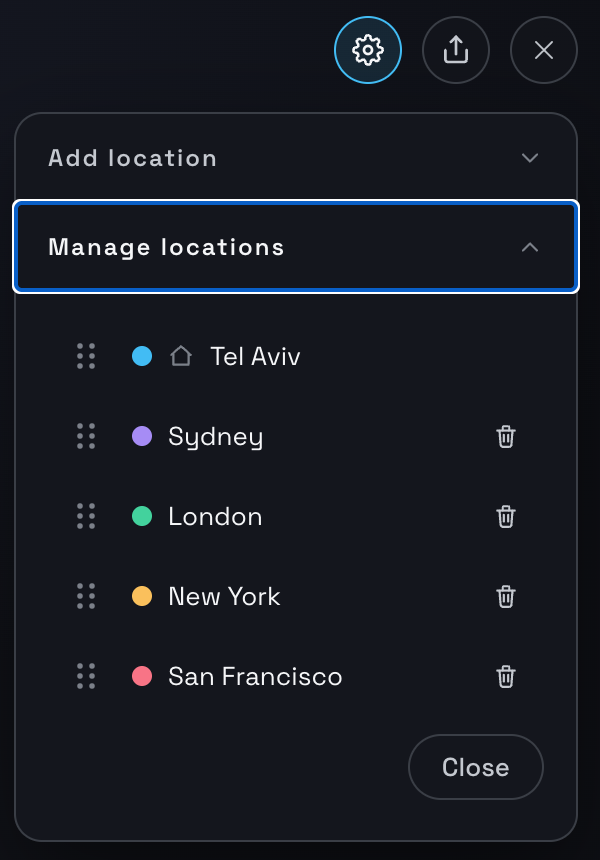
Add a city for each person you meet with, and pick its color and its working hours (Start and End). Under Manage locations you can drag cities into a new order, set which one is home, or remove one.
-
Look for where the colors line up
Each city's color is drawn on its ring only between the Start and End hours you set, so the colored part of a ring is that city's working day. The stretch where every ring is colored is the time your whole group is at work.
-
Pick a time
Drag around the clock, or use the arrow keys, to move every city's time at once. Or press Find overlap to jump to the next time when the most cities are at work together.
-
Put it on the calendar
Schedule the meeting and it's added to your Google Calendar after you sign in with Google. Overlap Clock creates that one event and never reads the rest of your calendar.
Share your clock with one button
Press the Share button and you get a link to your exact clock. Whoever opens it sees the same cities and the same hours you do, with nothing to install and no account to make.

Who uses it
Remote teams spread across continents, freelancers with clients abroad, and anyone trying to find a reasonable hour to call family in another country.
Free and open source
Overlap Clock is free, needs no account, and its code is on GitHub under the MIT license. The developer doesn't run a server that stores your cities or hours. The privacy policy lists exactly what the app touches.
Overlap Clock for Chrome
The Chrome extension puts the same clock in your browser toolbar, one click away from any tab. It has its own Share button, and a button that opens your clock in the full web app, which is where Google Calendar scheduling happens.